Custom runtimes
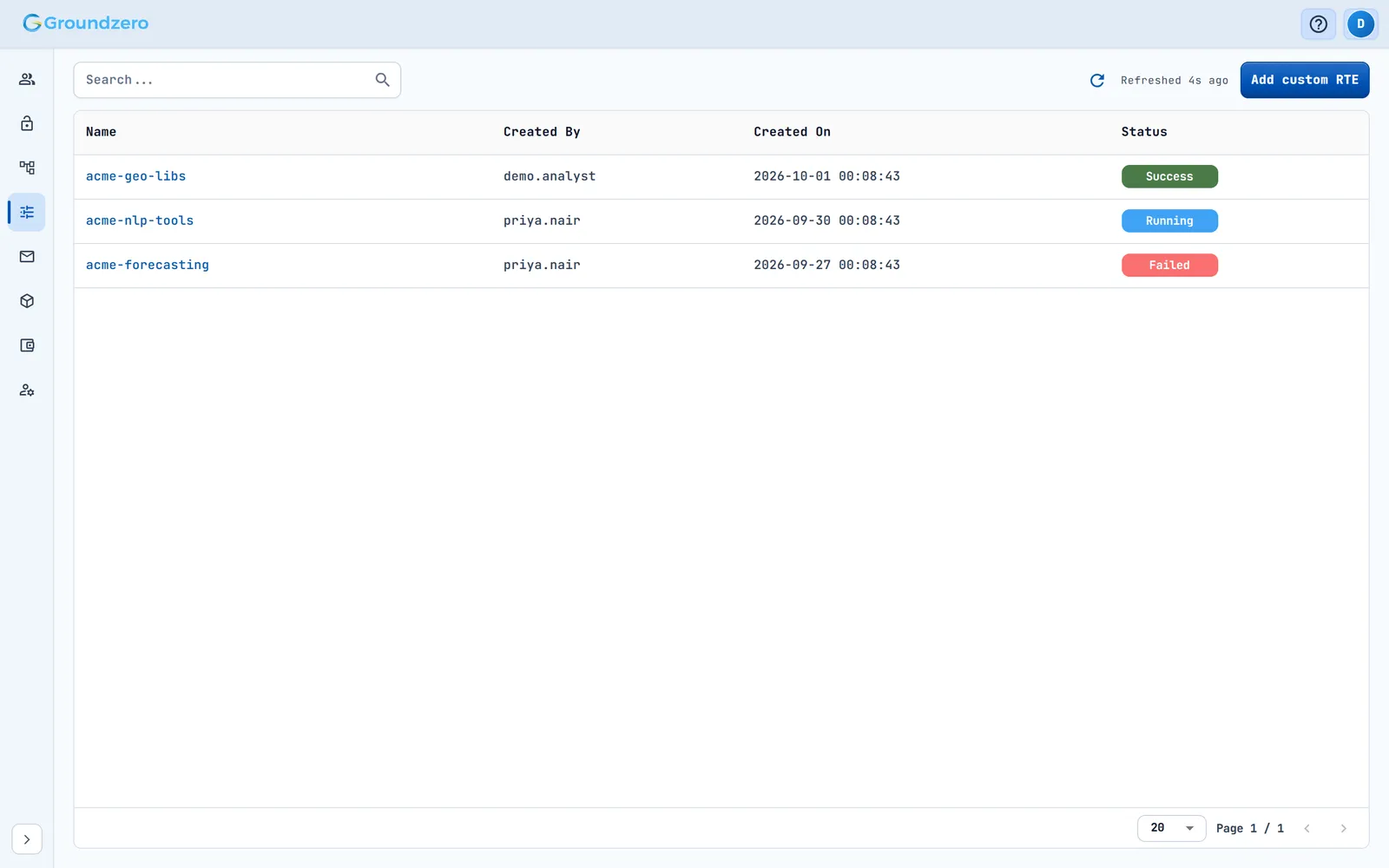
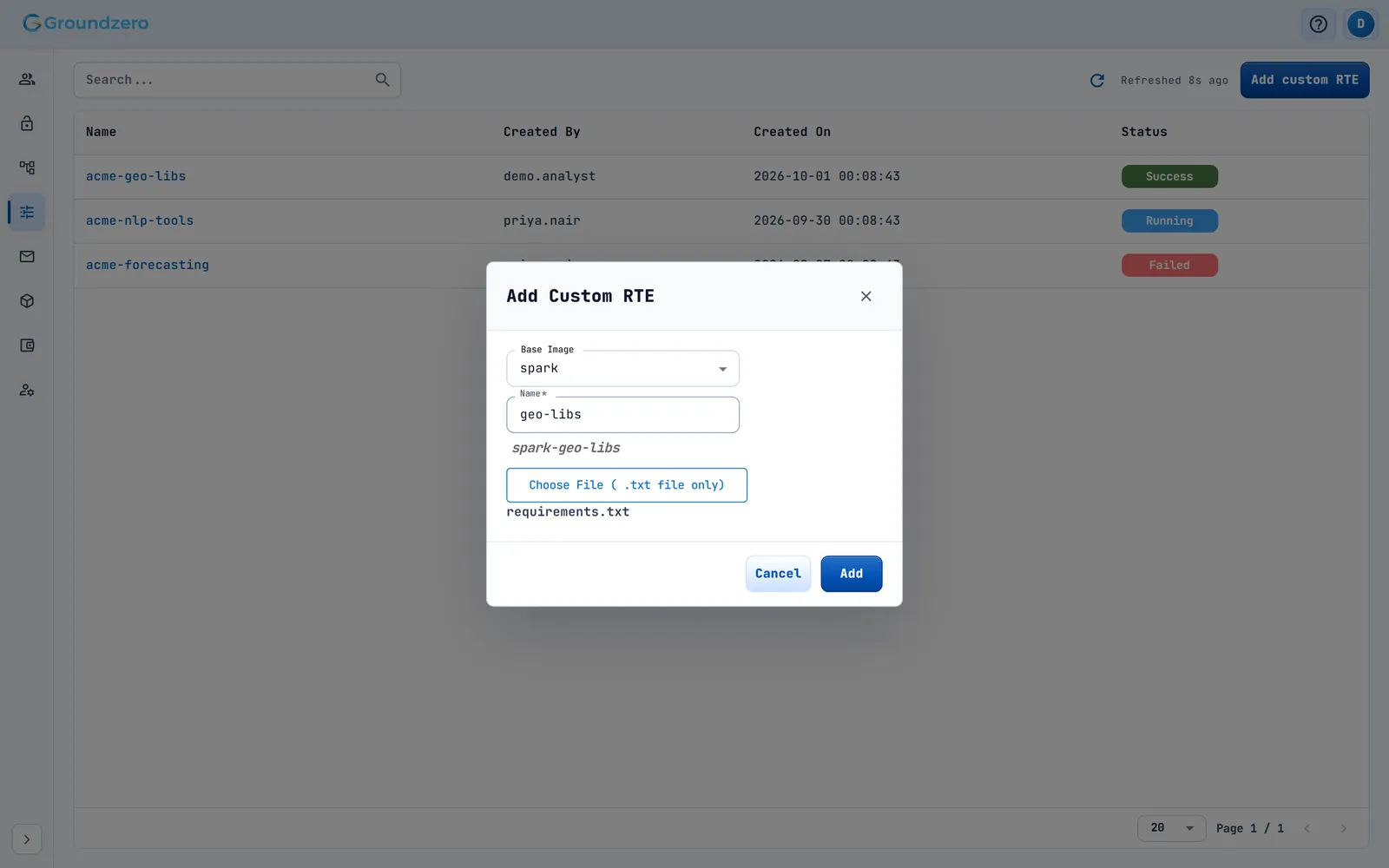
A custom runtime is an existing runtime plus your own pip packages. Administrators create it on the Custom RTE page.
- Upload a
requirements.txtand choose the Base Image (the runtime to extend) and a name. - Groundzero builds the runtime with the packages from
requirements.txt. - The build status shows as QUEUED, IN PROGRESS, then SUCCESS or FAILURE.
- When the build succeeds, the runtime appears in the runtime list.
Guidelines:
- Extend the runtime you actually run on: a Spark base for Spark jobs, a DuckDB base for DuckDB jobs.
- Pin versions. Do not change packages the base already includes (NumPy, pandas, scikit-learn) unless you need a different version.
- Pure-Python packages install most reliably. A package that needs extra system libraries may fail to build. Check the FAILURE status and the package's requirements.