Quickstart
This walk-through builds a Standard dataset of shipped orders by region. It
uses a sample sales.orders table.
1. Pick a connection#
You need a connection to a SQL source or to the Groundzero lakehouse. The
examples assume a sample connection named SalesWarehouse that exposes a
sales.orders table with these columns.
| Column | Type | Example |
|---|---|---|
| order_id | integer | 1001 |
| customer_id | integer | 7 |
| customer | text | Northwind Traders |
| region | text | EMEA |
| amount | decimal | 1250.00 |
| quantity | integer | 5 |
| status | text | shipped |
| order_date | date | 2026-03-14 |
| sales_rep | text | alice |
2. Write the source query#
SELECT order_id, customer, region, amount, status, order_date
FROM sales.orders
WHERE status = 'shipped'
  AND order_date >= DATE '2026-01-01'
3. Add Prep code#
Prep receives the fetched rows as queryData (a list of dictionaries) and must
assign its result to outputDF.
orders = pd.DataFrame(queryData)
outputDF = (
    orders.groupby("region", as_index=False)
    .agg(orders=("order_id", "count"), revenue=("amount", "sum"))
    .sort_values("revenue", ascending=False)
)
Leave Prep empty when you do not need it
An empty Prep tab, or the single line outputDF = queryData, is treated
as a pass-through. Groundzero then skips running Prep, keeps server-side
paging, and trusts the source schema.
4. Run and save#
Run the dataset. The result grid shows one page of rows. Save the dataset to use it in visualizations, dashboards, pivots and exports.
5. Read it from code#
Any client that can reach the Groundzero data API can run the same request. The body below is what the designer sends.
{
  "ConnectionName": "SalesWarehouse",
  "datasetId": 42,
  "DataSourceQuery": "SELECT region, amount FROM sales.orders",
  "TransformationQuery": "outputDF = queryData",
  "pageSize": 100,
  "pageNumber": 1
}
POST it to /getdata with your normal Authorization header. A successful
answer looks like this.
{
  "status": "success",
  "data": [{"region": "EMEA", "amount": 1250.0}],
  "totalRecords": 6,
  "hasMore": true,
  "pageStart": 1,
  "pageEnd": 1,
  "pageNumber": 1,
  "schema": [
    {"columnName": "region", "dataType": "text"},
    {"columnName": "amount", "dataType": "decimal"}
  ]
}
In the UI#
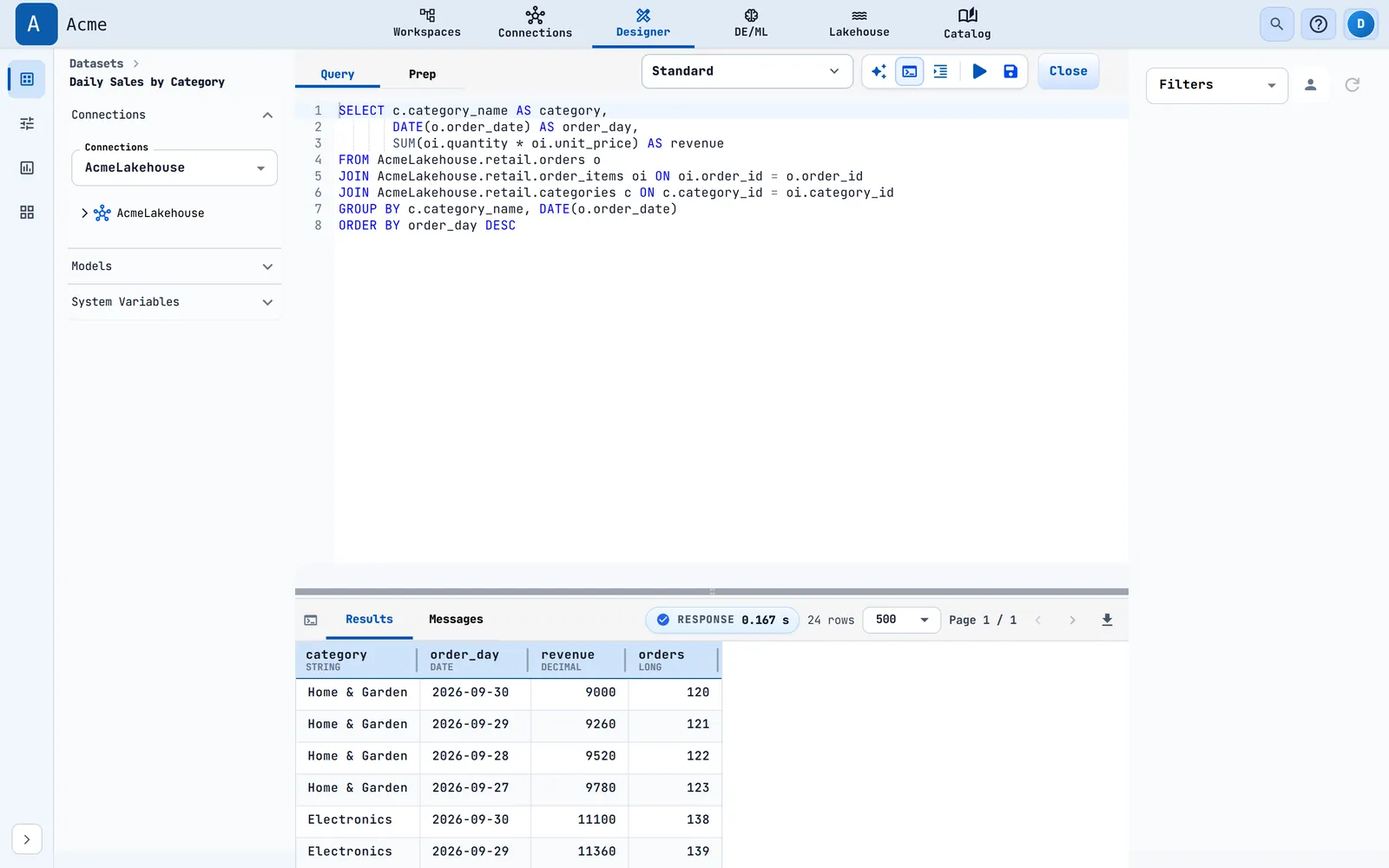
In the dataset designer, the runtime control sits beside the connection picker. Standard is the first entry in its Runtime list and is selected by default. When Standard is selected the Compute list is hidden, because Standard has no compute size to choose. Selecting a second connection, or a connection that is not a SQL source or the lakehouse, removes Standard from the list and asks you to choose a runtime and a compute size.