
DESIGNER- TOGGLE FILTER
The toggle filter presents a binary choice to users, typically represented as “True” or “False,” enabling them to quickly switch between two states to filter data accordingly. This filter is particularly useful for datasets with categorical variables or boolean attributes, where users need to toggle between specific categories or conditions. Unlike slider filters that operate on numeric ranges, the toggle filter simplifies the filtering process by offering a straightforward way to include or exclude data based on a binary criterion.
Creating a New Filter:
- Navigate to the “Filters” section on the right-hand side navigation bar in the Designer page.
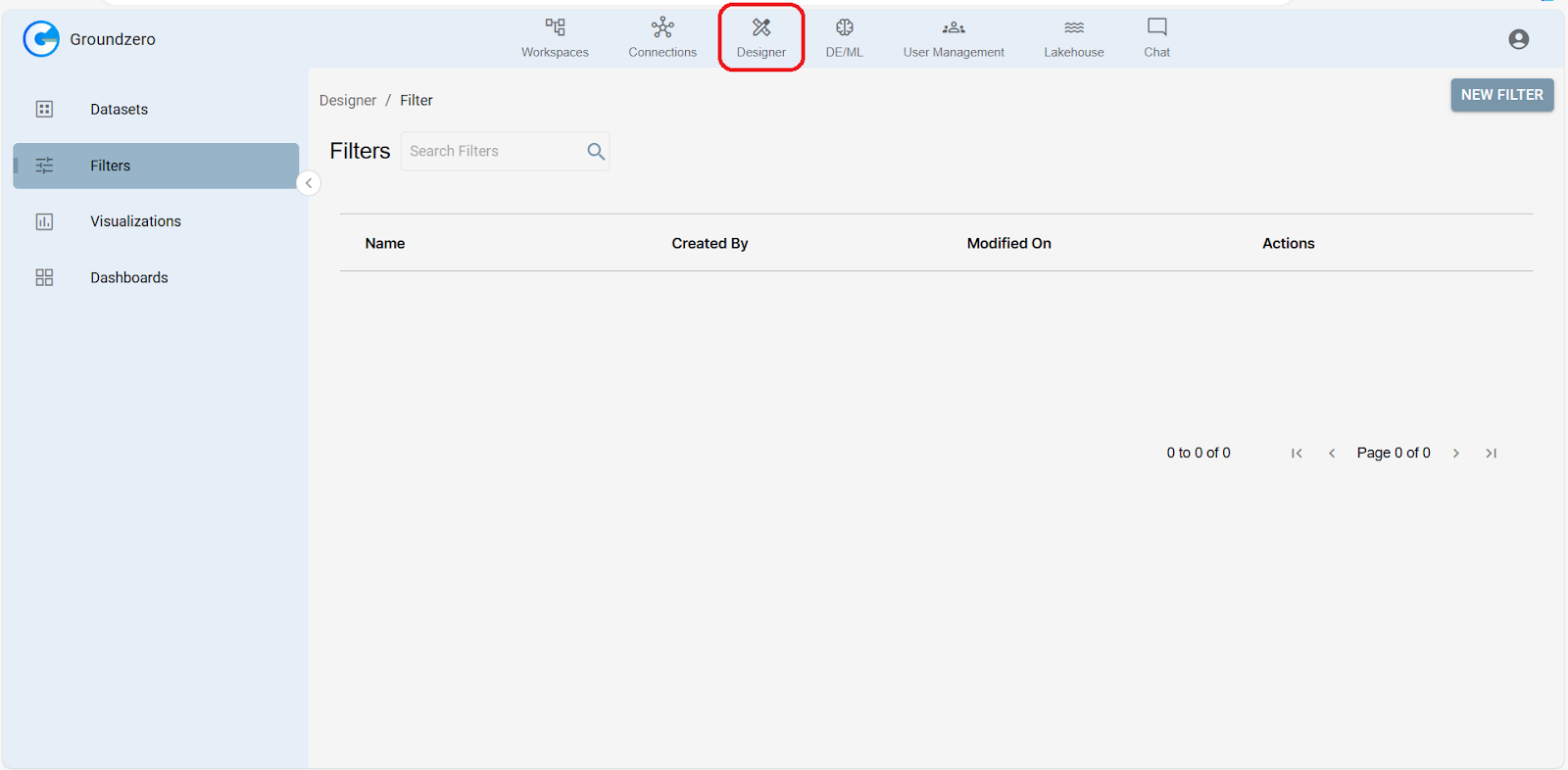
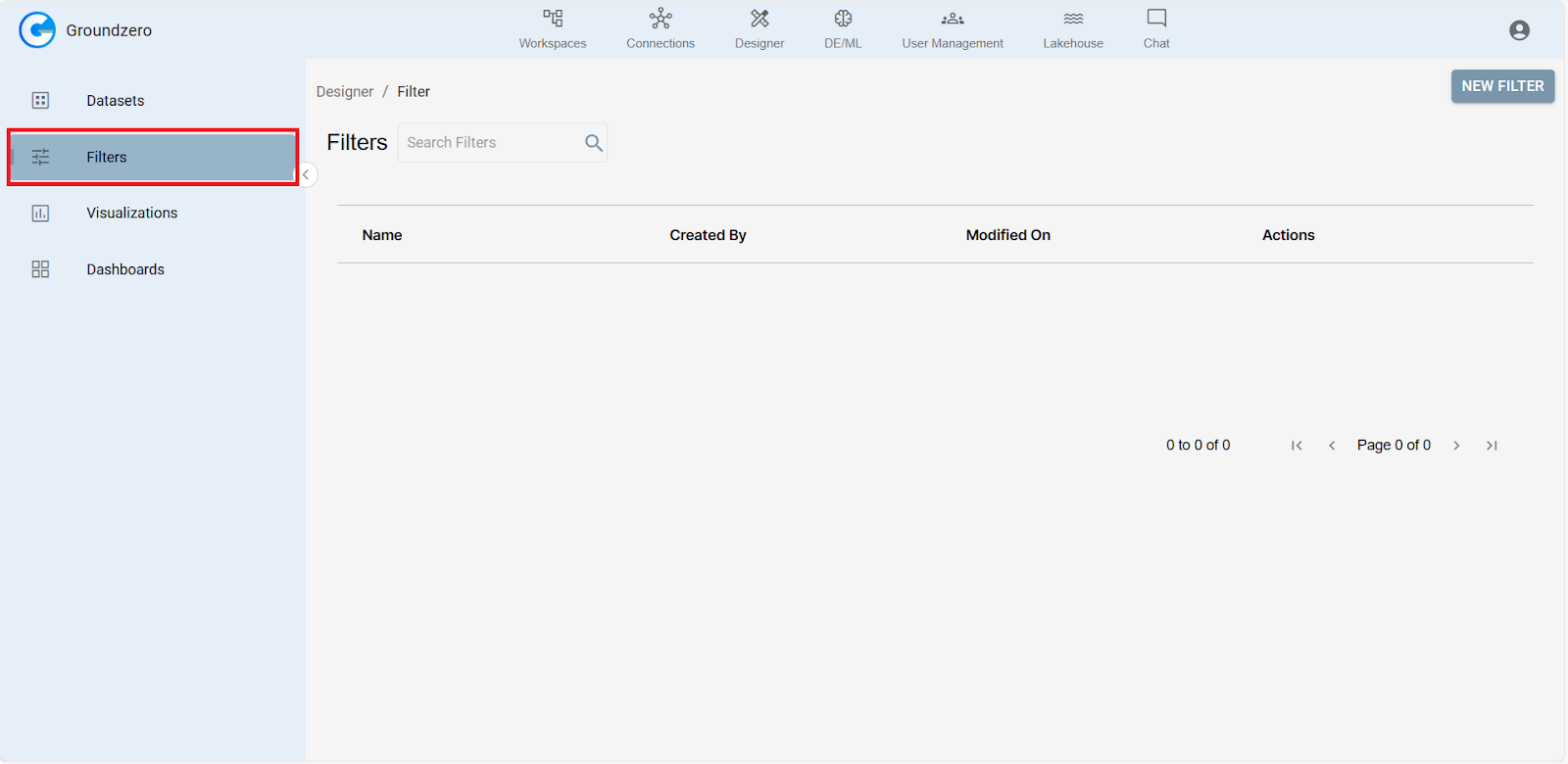
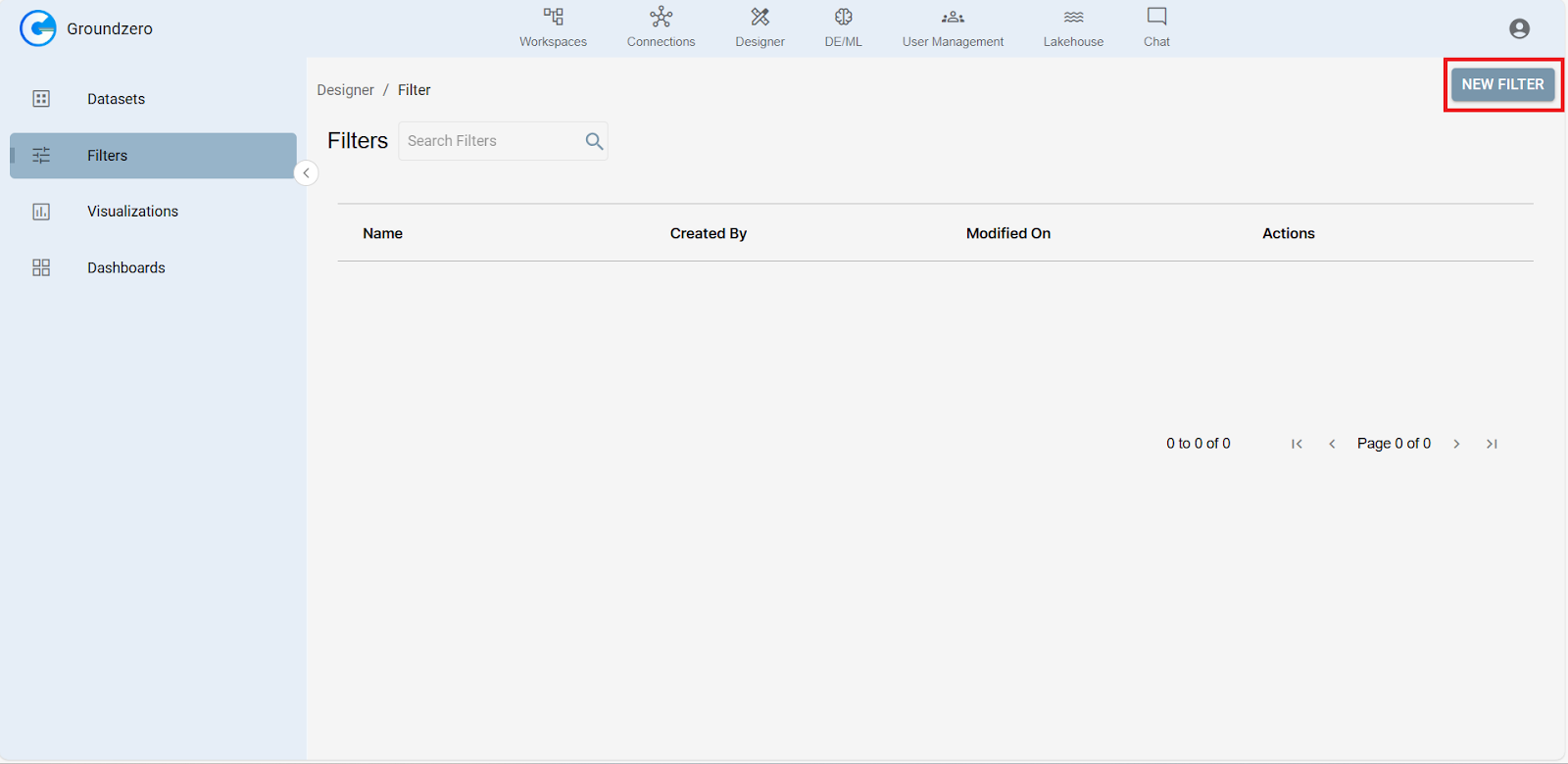
2. Click the “New Filter” button.
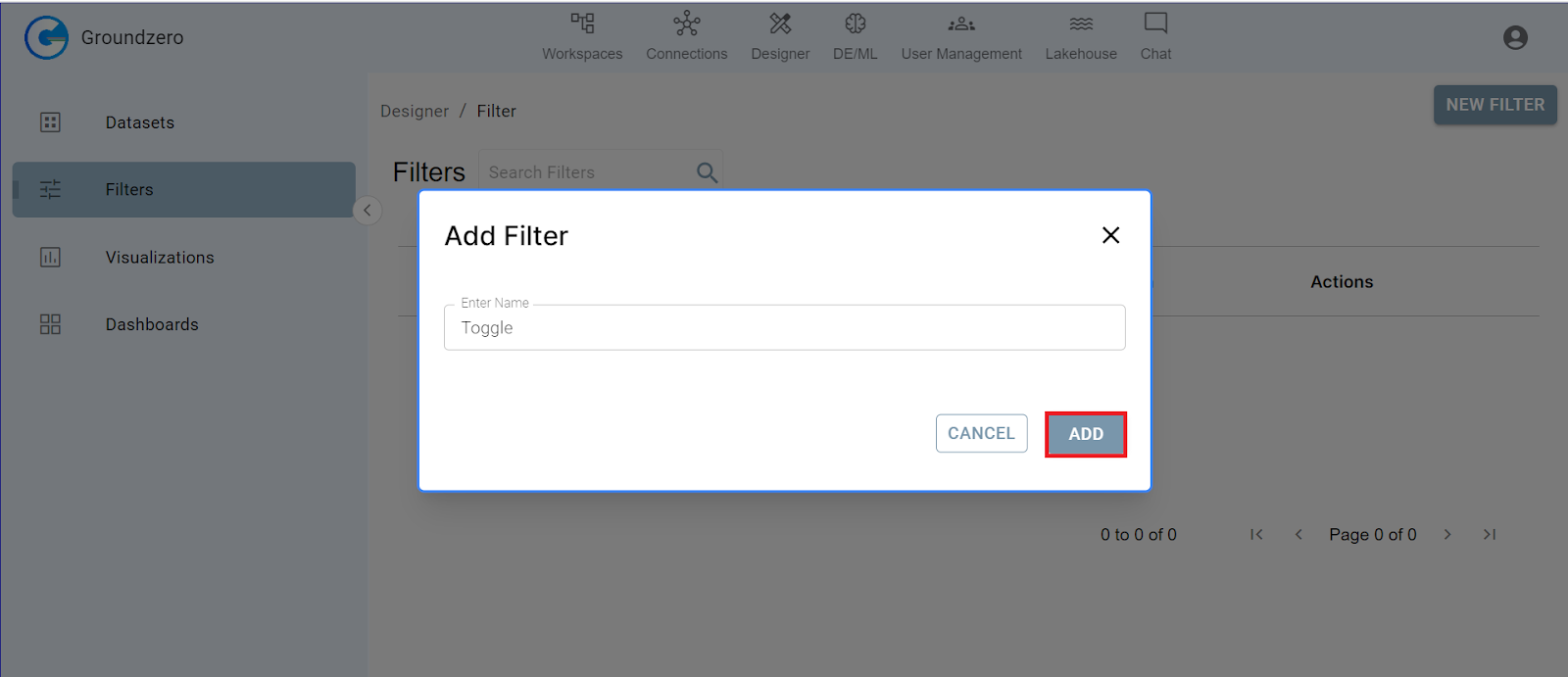
3. Enter a descriptive name for your filter and click “Add.”
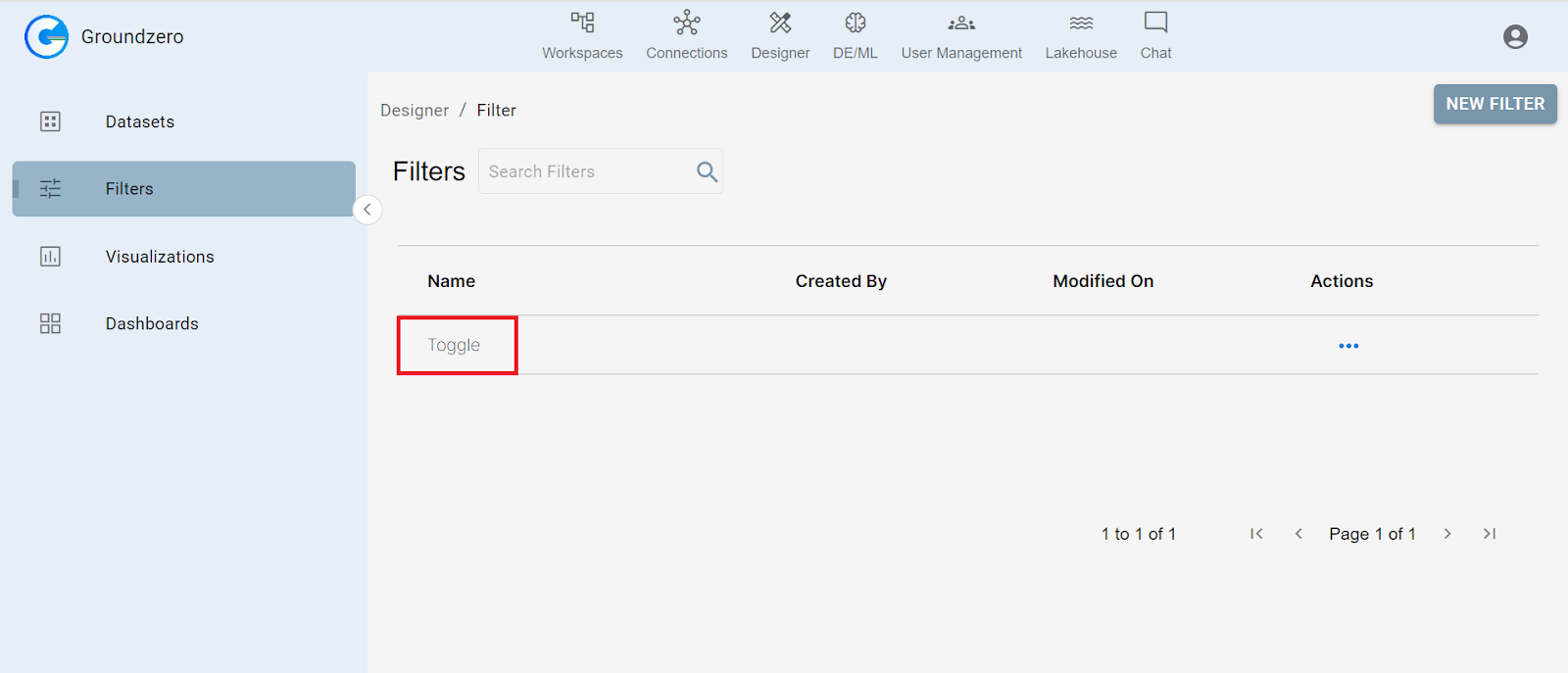
4. Click on the newly created filter in the list.
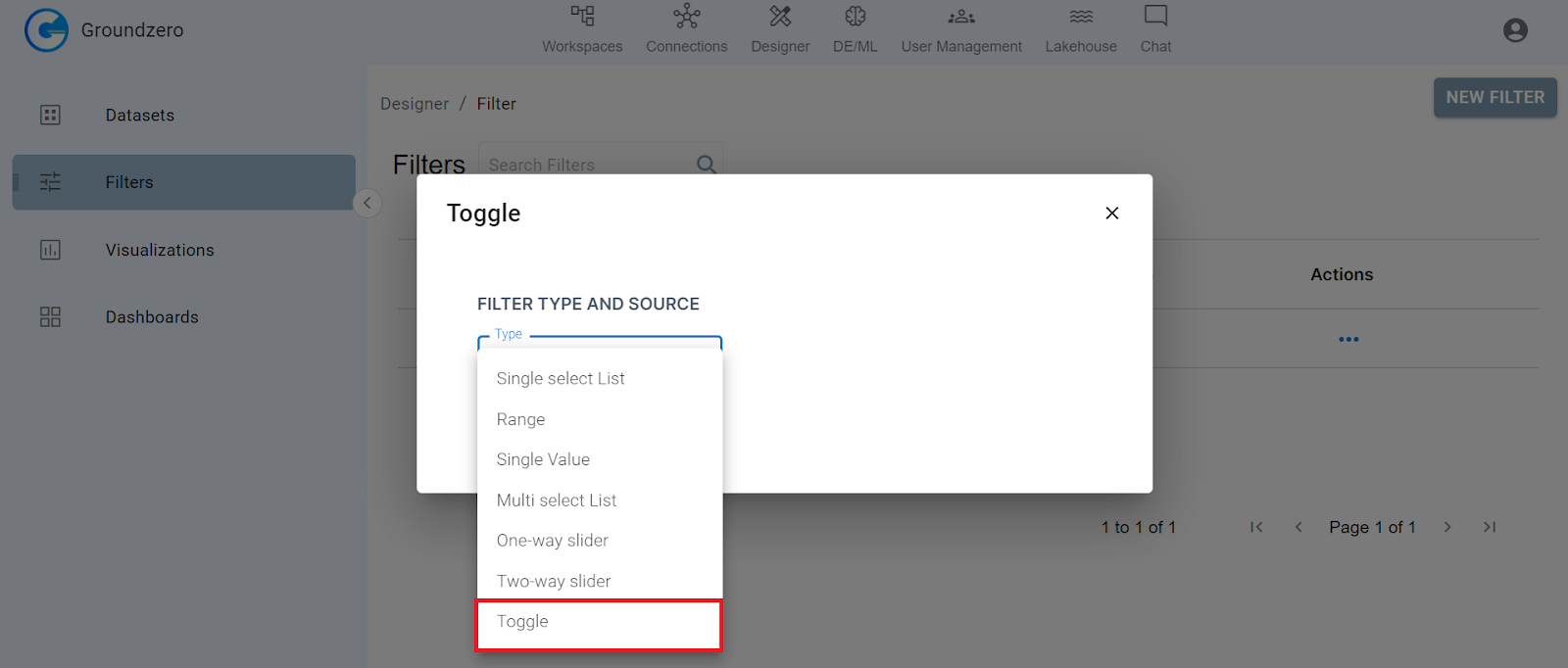
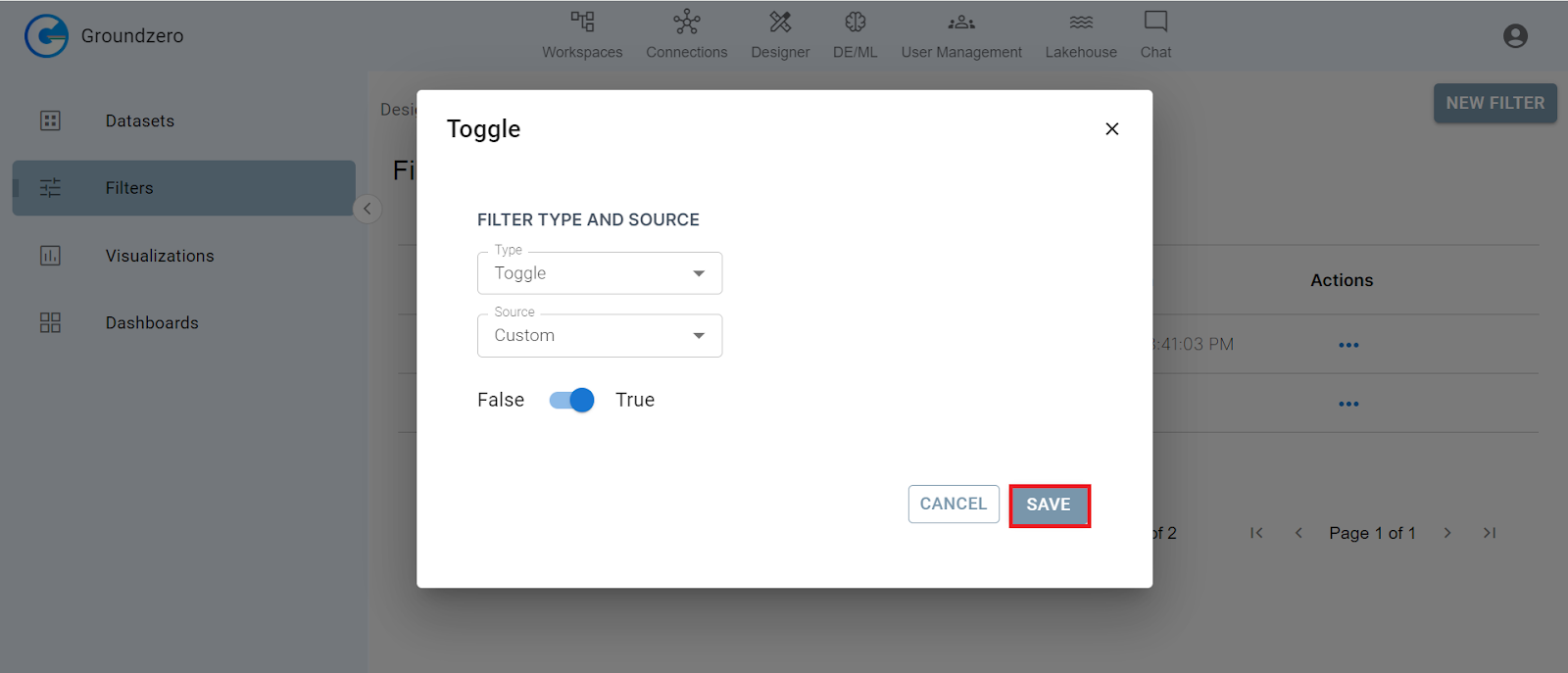
5. Select “Toggle” as the filter type.
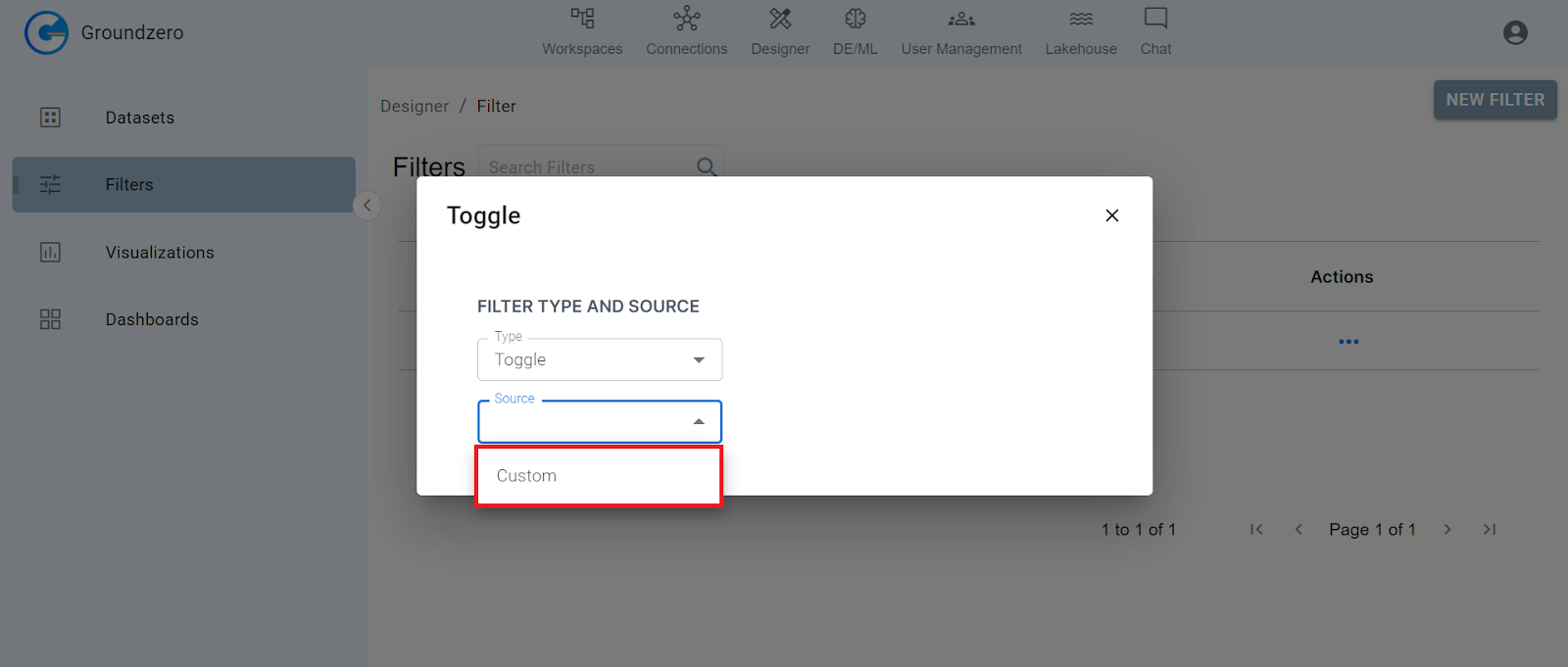
7. Select “Custom” from the dropdown.
- You can enable or disable the toggle filter by clicking on the toggle switch next to the filter name. When the toggle switch is off (grey), the filter is not applied and all results will be shown.
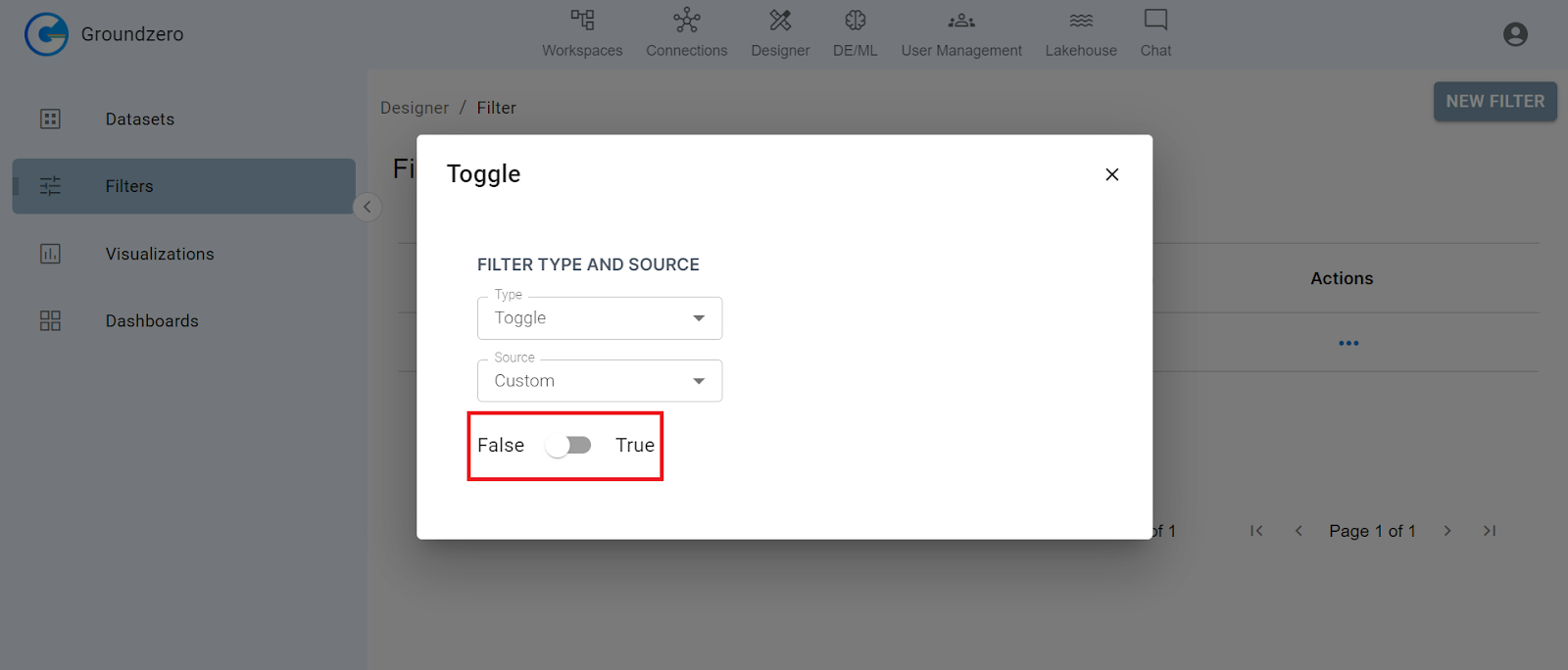
2. When the toggle switch is on (blue), the filter is applied and will exclude results that don’t meet the criteria.
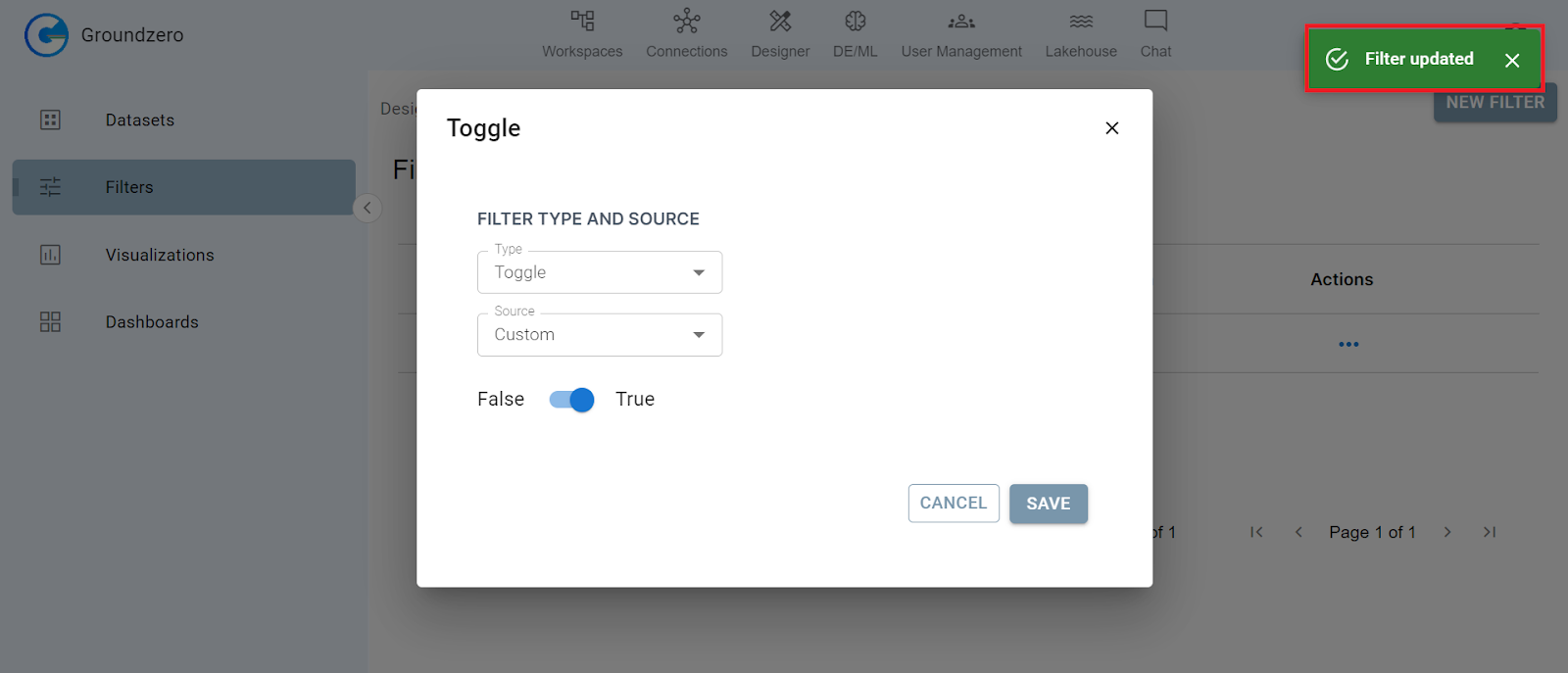
8. Click on the “Save” button.
APPLYING FILTER:
Consider the following dataset:
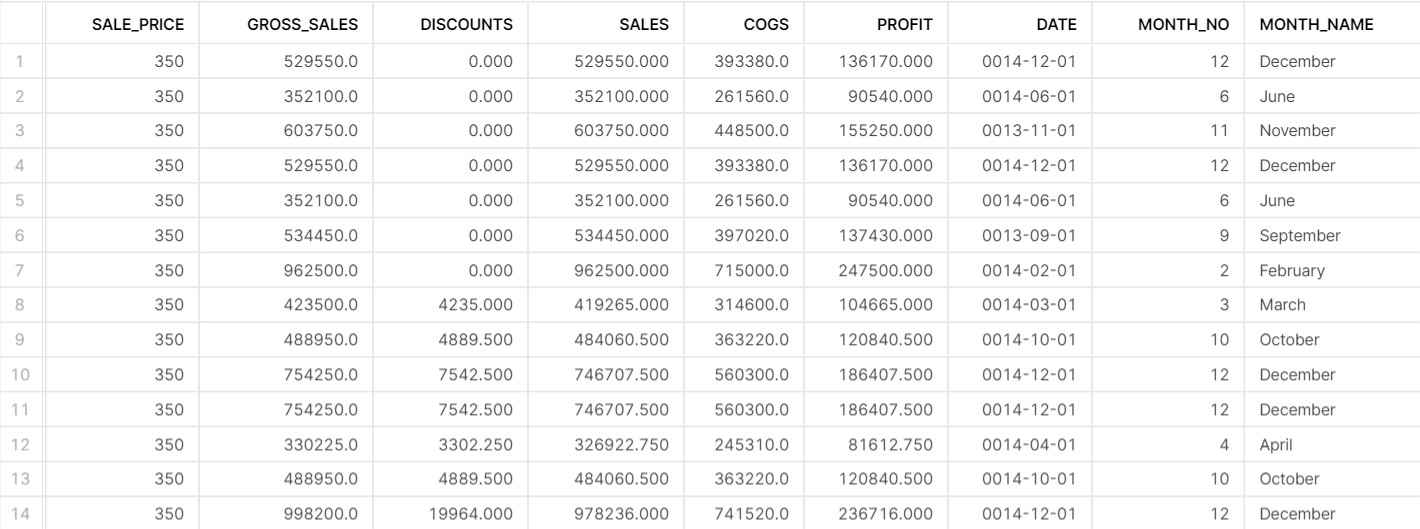
To filter out discounts with the value 0.00 using the toggle filter, follow these steps:
1. Create Toggle filter with the value set to “True”.
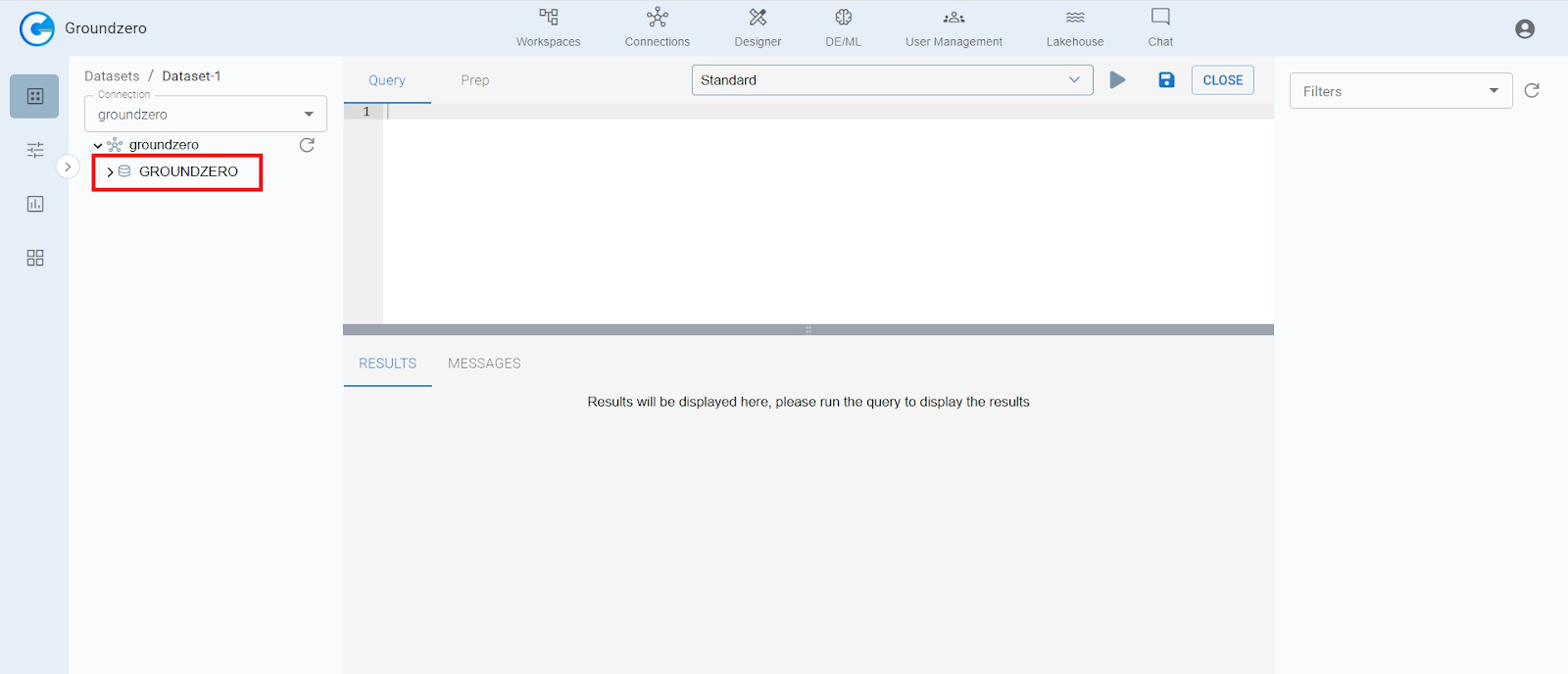
2. Click on the connection, then select the relevant database/dataset.
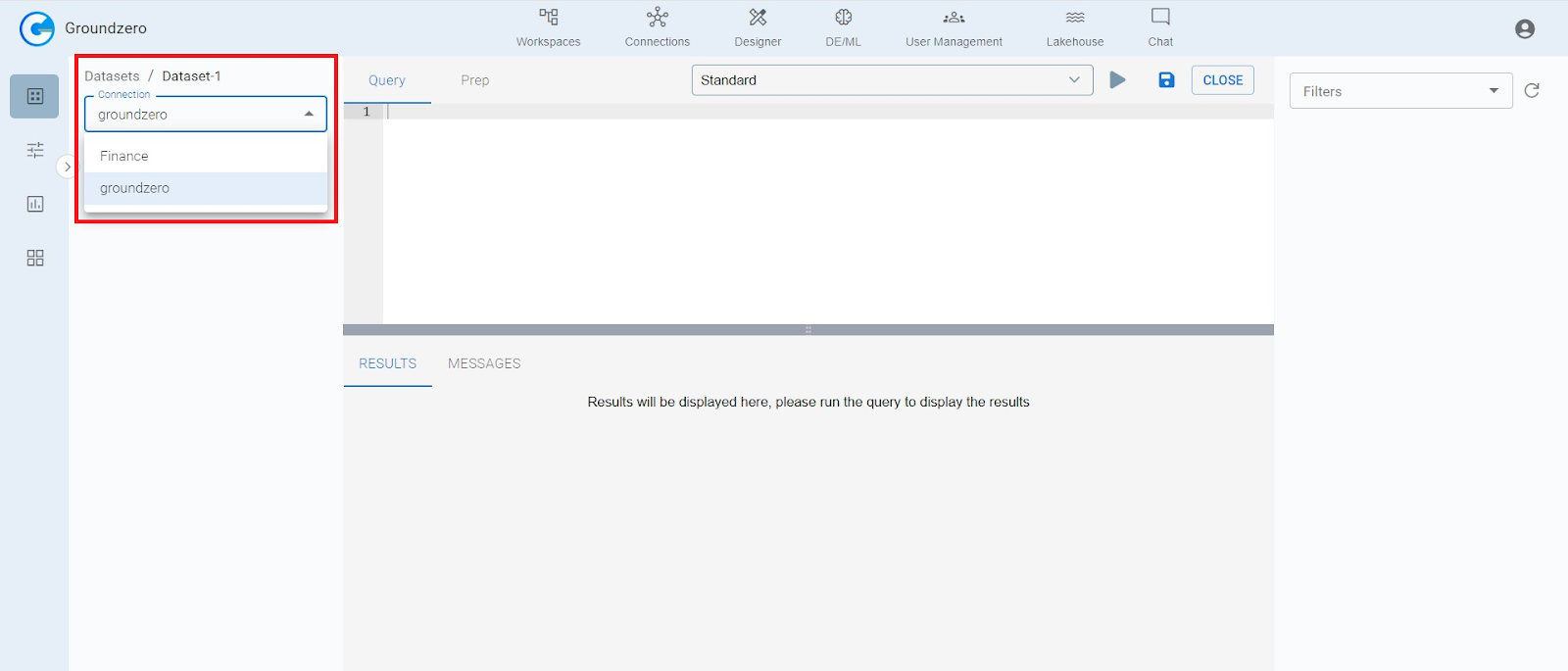
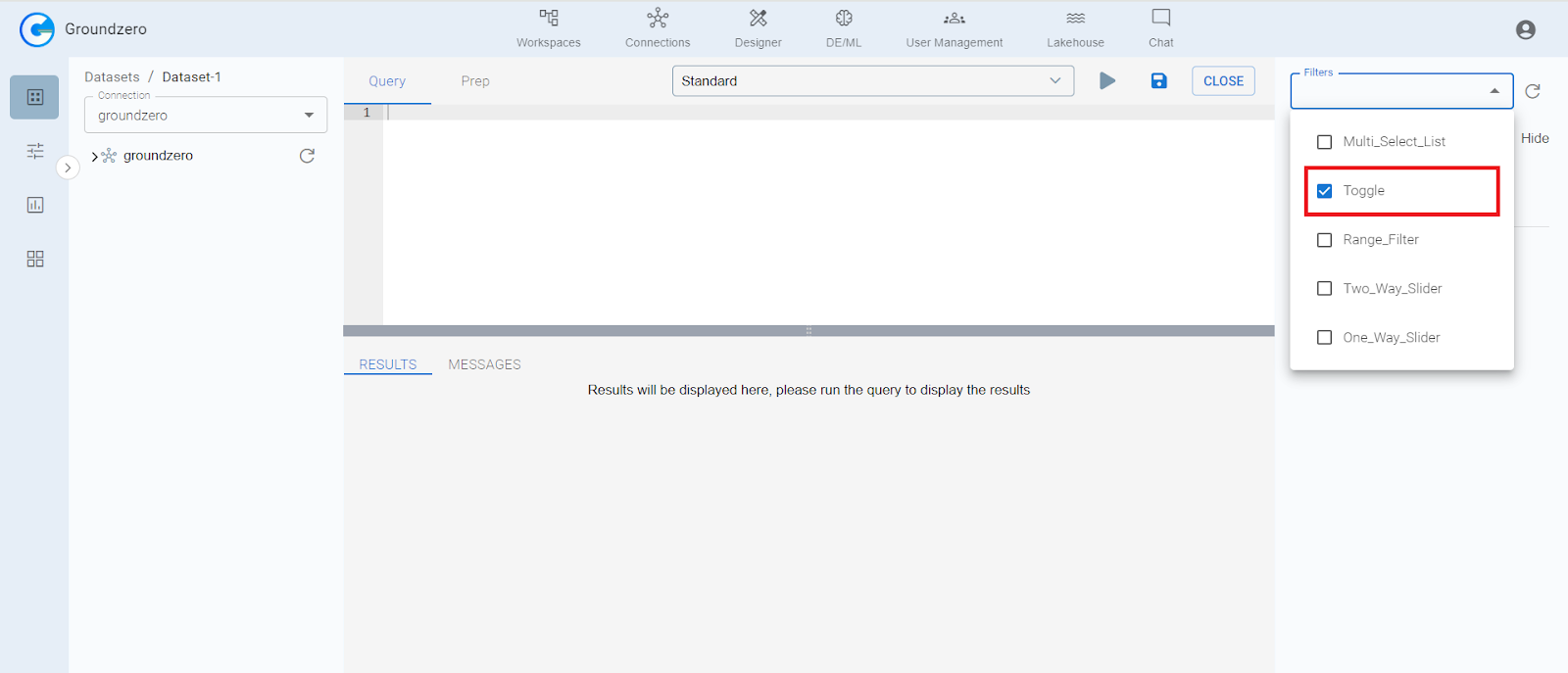
3. Within the filters tab, locate and click on the toggle filter from the dropdown.
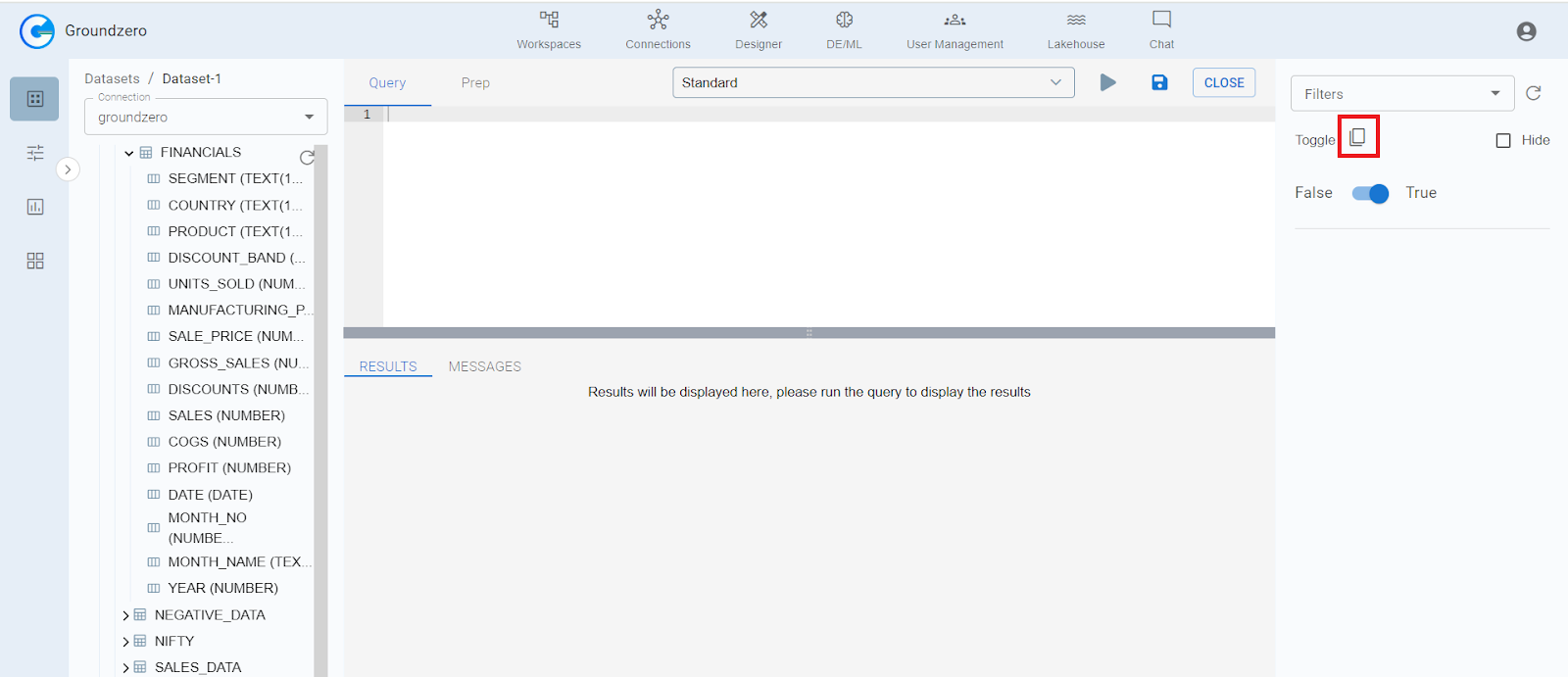
4. Click on the copy button to copy the logical code.
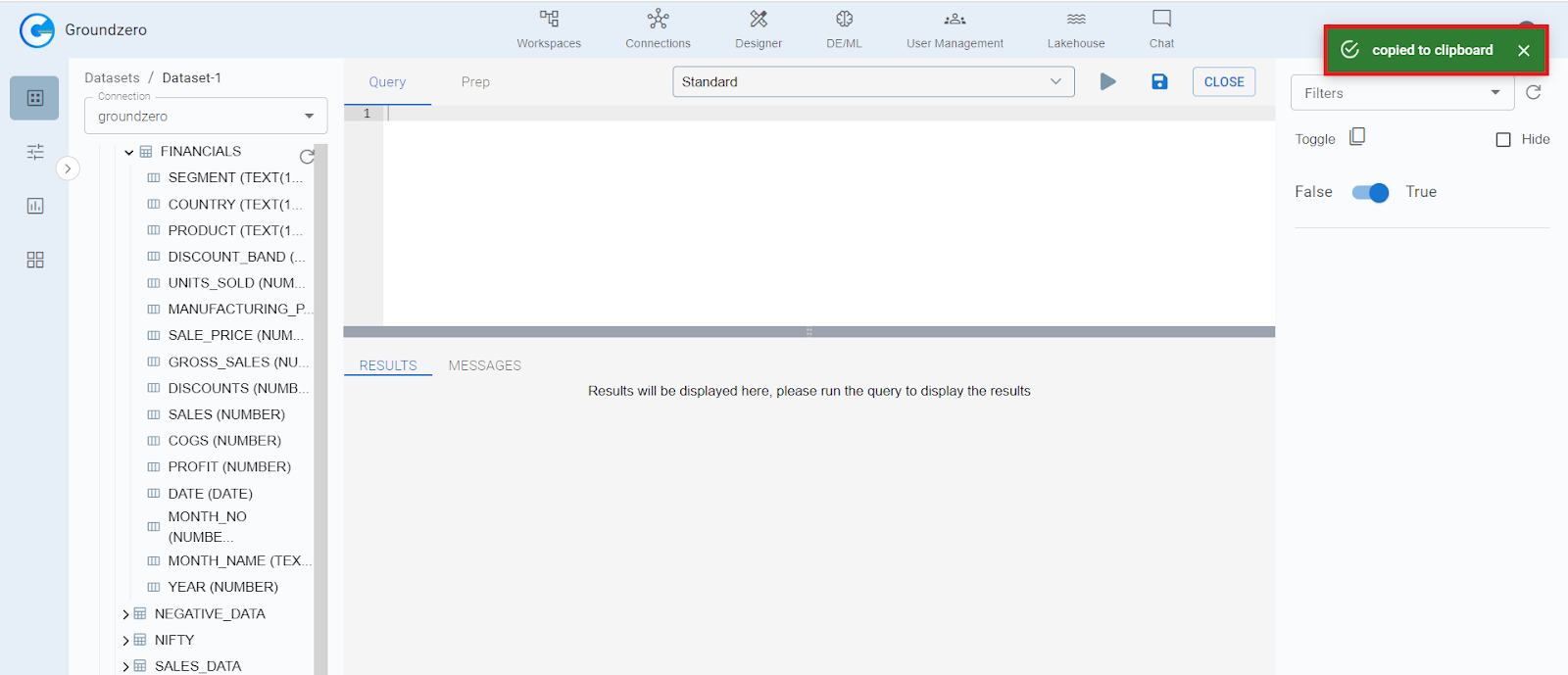
5. A pop-up will confirm that the code has been copied successfully.
6. Paste the copied logical code in the appropriate place within your code, ensuring to include the semicolon and Save your code.
7. Navigate to “Prep” from the main bar toggle and enter outputDF=queryData. Click on the Run icon to execute your query.


