
6. Email senders
Groundzero sends email alerts when a scheduled job succeeds or fails. The Email page manages the sender addresses those alerts come from. An address must be verified before it can send.
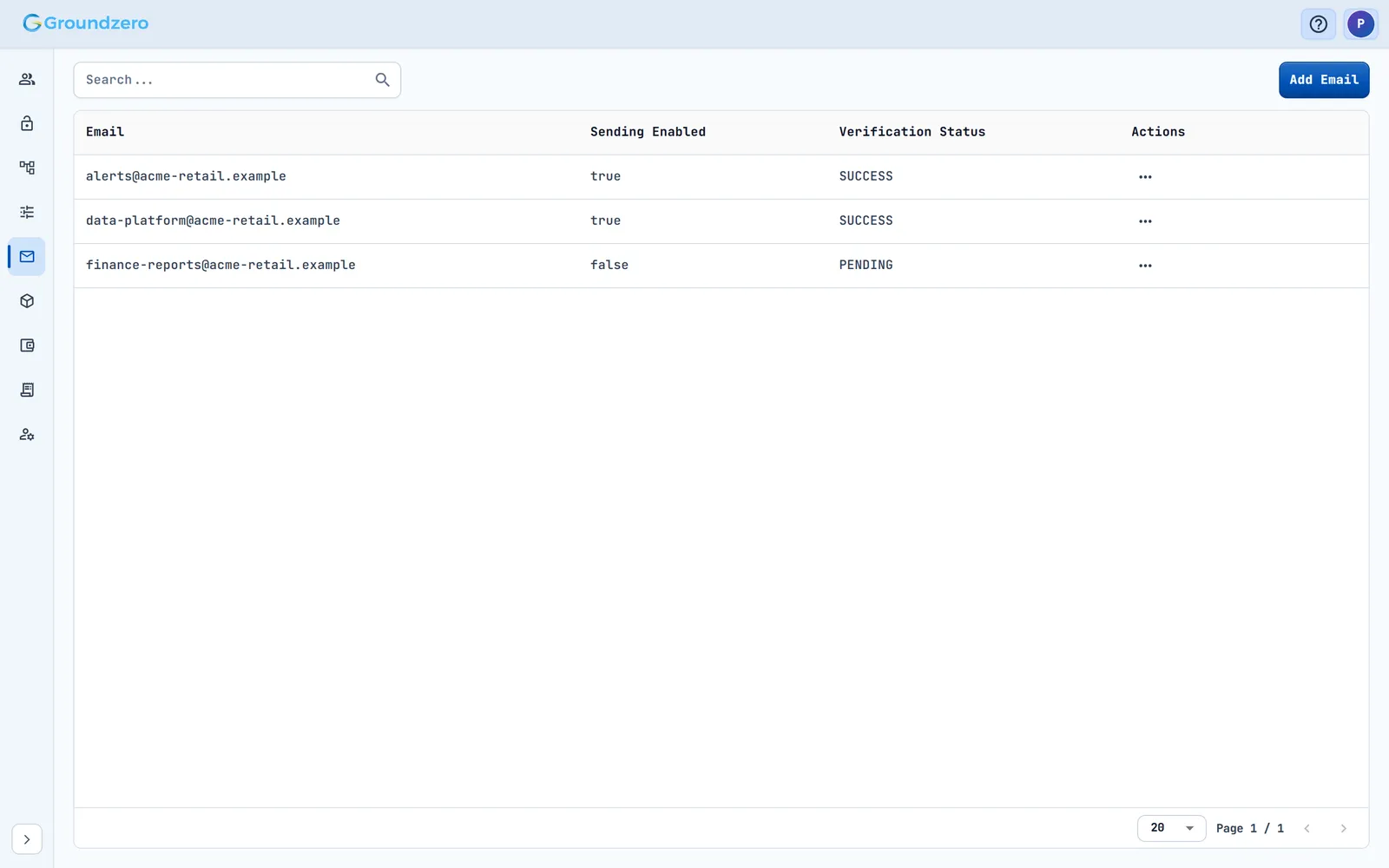
Add a sender address#
Outcome: a verified address that Groundzero can send notifications from.
- Open Email in the side menu and choose Add Email.
- Type the address and choose Add. The toast says "Email added successfully".
- Ask the owner of that mailbox to open the verification email and click its link.
- Reload the page and check the Verification Status.
How to check it worked: the status changes from PENDING to SUCCESS.
Columns are Email, Sending Enabled, Verification Status (for example SUCCESS or PENDING) and Actions (Delete).
Remove a sender address#
Choose Delete in the row's Actions.
Troubleshooting#
- The address stays PENDING. Cause: the owner has not clicked the verification link. Fix: ask them to check the mailbox (and spam), then reload the page.
- No alerts arrive. Cause: the sender address is not verified, or Sending Enabled is off. Fix: check the row's status.
Note
Groundzero has no notification bell. Other messages arrive as toasts in the console.