
3. Groups
A group is a named set of people. Giving access to a group is easier than giving it to each person (chapter 4), and you can put a budget on a group (chapter 7). Every site has a group with its name, and there is an Admin group for administrators.
See the groups#
Open User & Groups and choose the Groups tab.
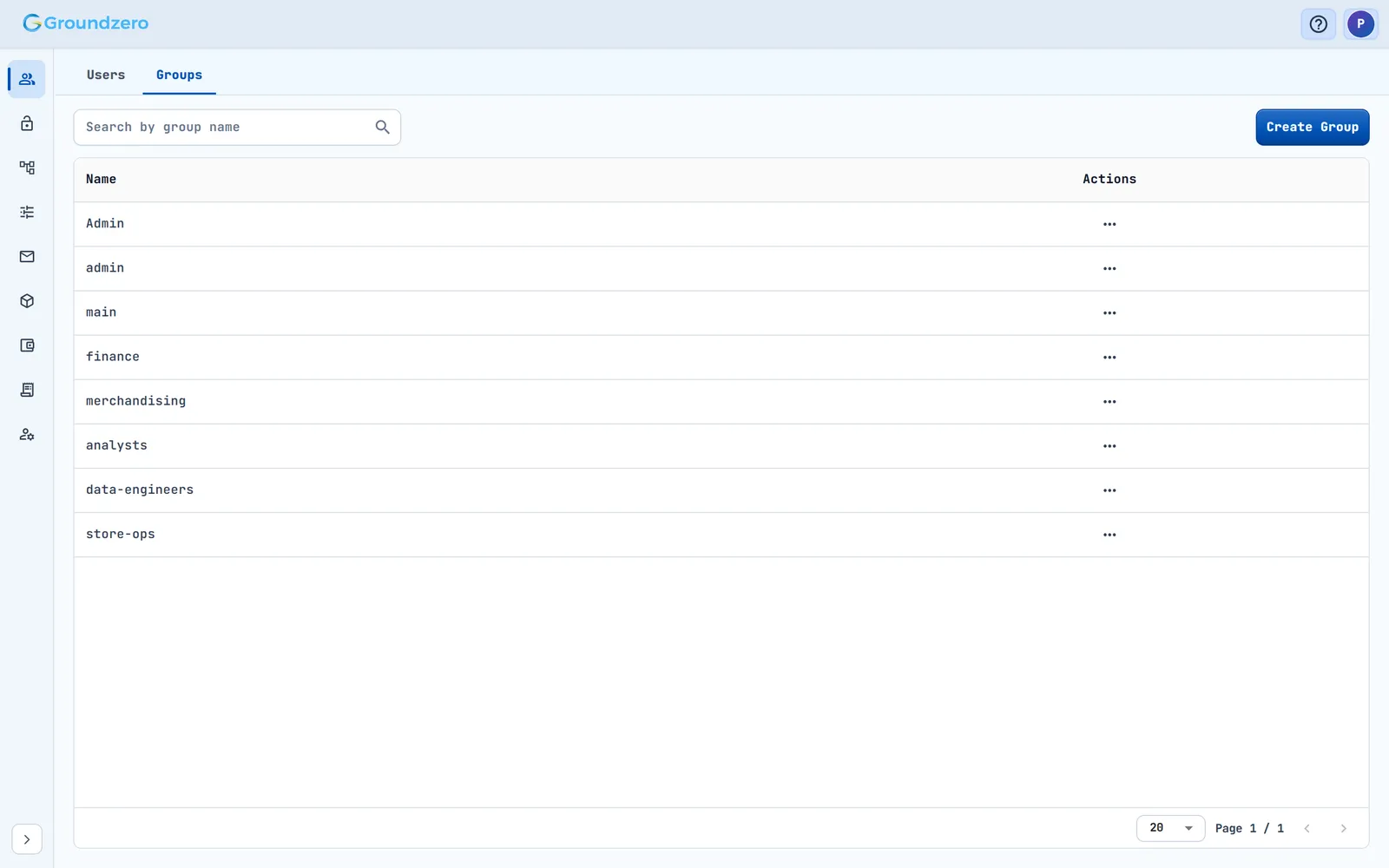
The tab lists every group: Admin, one per site and any groups you created.
Create a group#
- Choose Create Group.
- Enter a Group Name and a Description.
- Confirm.
How to check it worked: the group appears in the list. Groundzero shows no confirmation message.
Add people to a group or remove them#
- On the group's row, open Actions and choose Add users to a group.
- The right pane lists the current members. Add people from the left.
- Choose Save. The toast says "Group user list updated successfully".

Removing a member from the right pane takes effect at once, without needing Save.
Tip
Make an administrator by adding the person to the Admin group.
Delete a group#
On the group's row, open Actions, choose Delete and confirm. Check chapter 4 first, because people lose whatever access came only through that group.
Troubleshooting#
- A person cannot reach the admin area ("Access restricted"). Cause: they are not in the
Admingroup. Fix: add them. - A person lost access after a group was deleted. Cause: their access came through that group. Fix: add them to another group that has the permissions, or give them access directly (chapter 4).