
6. Next steps
You now know how Groundzero fits together. Pick the area that matches your work.
| If you want to... | Go to | Where |
|---|---|---|
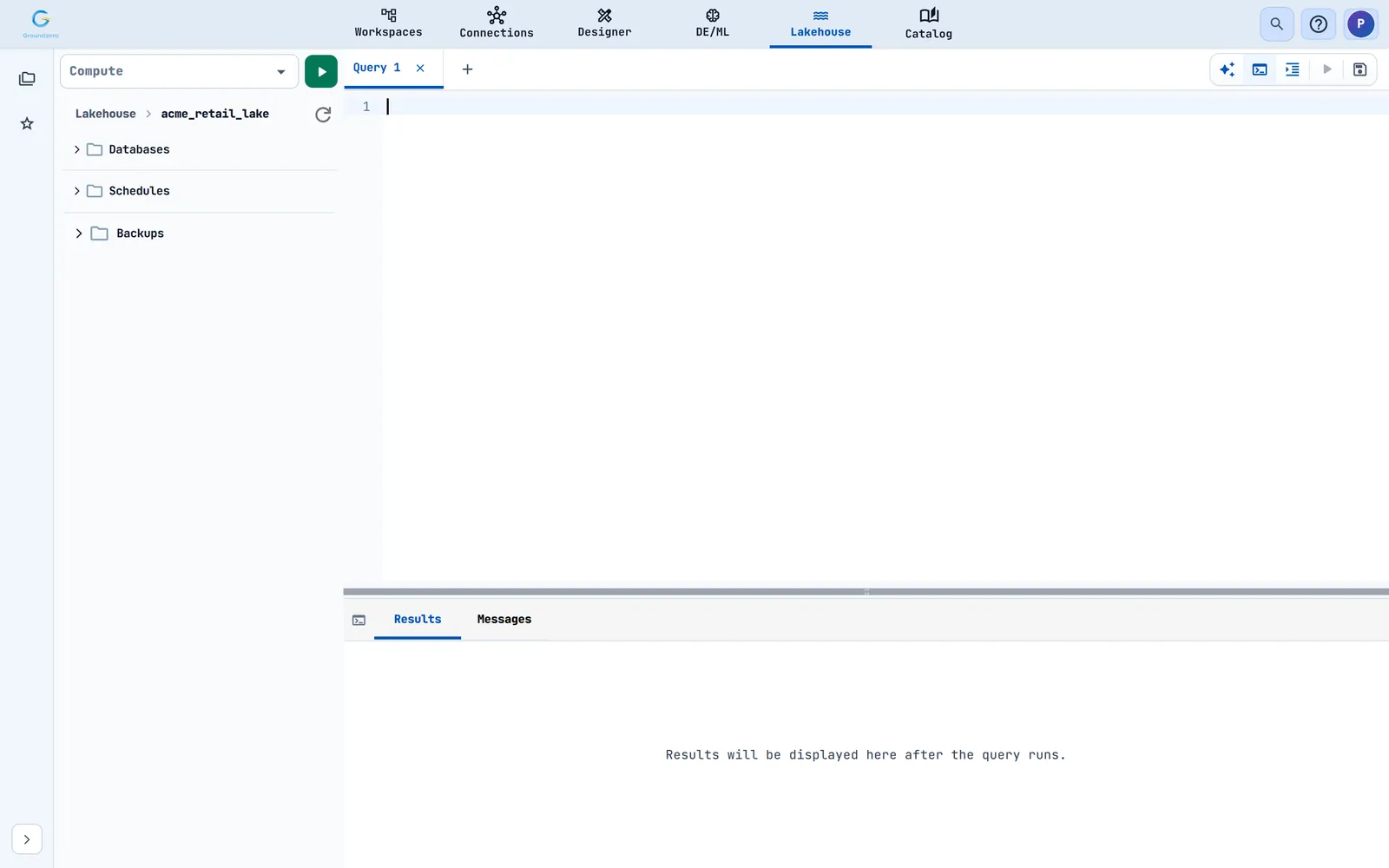
| Store governed tables and query them with SQL | Lakehouse: create a warehouse, start a session with a compute size, write SQL in query tabs and save queries | Lakehouse |
| Give data a shared business meaning | Ontology Studio: define entities, metrics and terms, review suggestions and publish releases | Catalog |
| See what chat, agents and workloads cost and how they perform | Consumption Metrics: AI Chat, Agents, Workloads and APIs views with time ranges | Catalog |
| Share a dashboard with a team | Workspaces: folders of imported dashboards; My Files for storage buckets | Workspaces |
| Track experiments and models | The Models tab of a project | DE/ML |
| Build a reusable filter | Designer, Filters | Designer |
| Manage people, permissions and sites | The admin console (Users & Groups, Access Manager, Sites, Email, Budgets) | Your administrator |



Habits that save time#
- Use hyphenated names everywhere. They are easy to find in global search with the
ds:,viz:anddash:prefixes. - Add a description and tags in the Catalog to everything you share.
- Tick only the connections a job or notebook needs.
- Save in the editor, then publish. Publishing a dashboard does not save it first.
- Stop notebook and lakehouse sessions when you finish.